Frequently Asked Questions
Find answers to common questions.
How is the Confidence Score calculated, and how much can I trust it?
expand_more
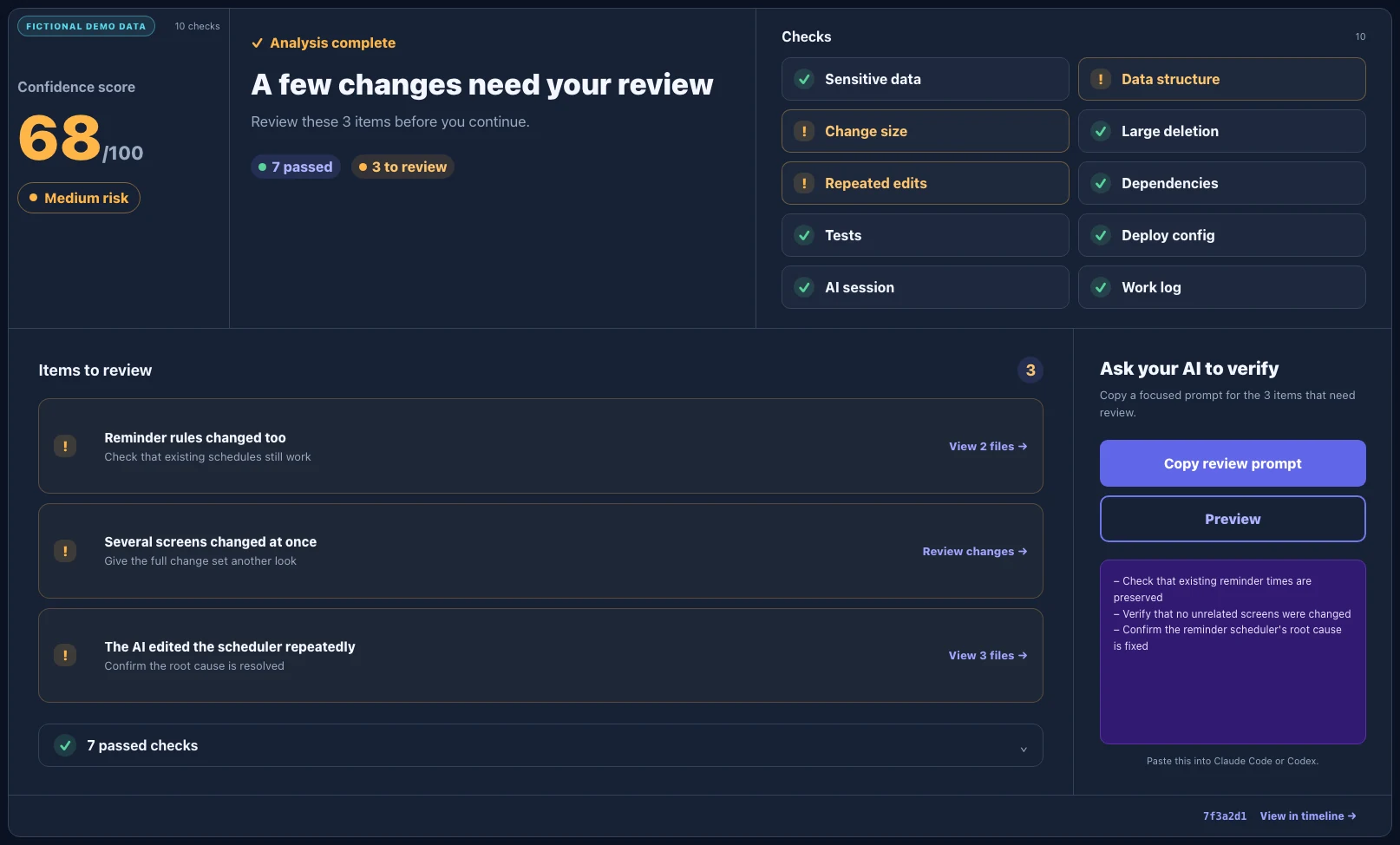
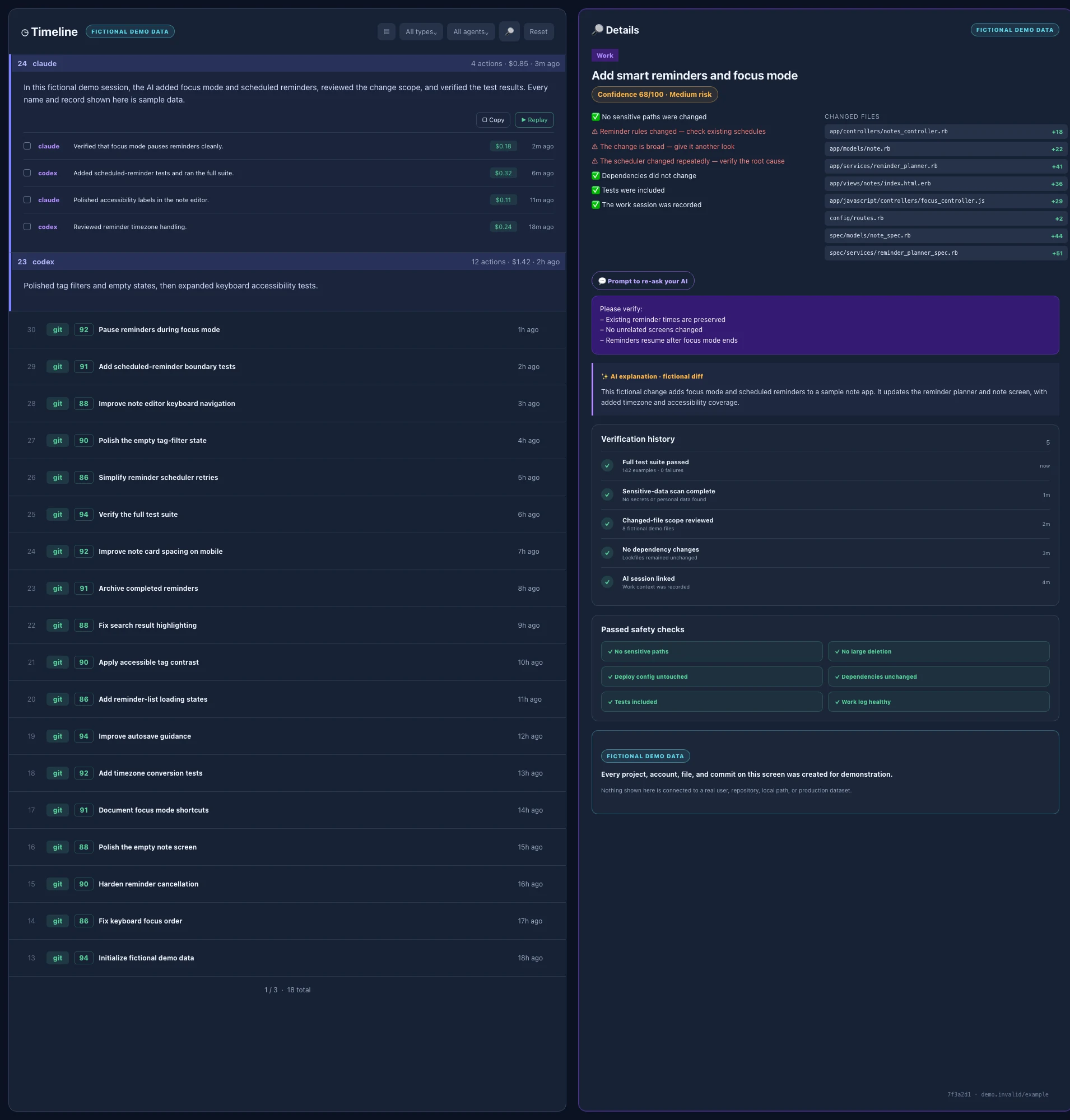
It's not an AI subjectively judging your code quality — it's rule-based. Every commit starts at 100 points and loses points whenever a defined risk signal shows up: exposed sensitive info, database schema changes, a large change scope, large deletions, the same file reworked repeatedly, dependency or deploy config changes, or a missing work log. We never show just the number — the signals behind the score are always shown alongside it, so treat the score as a helpful signal and make your final call based on the evidence, not the number alone.
If Claude Code Auto mode already judges risk, what does Commitude add?
expand_more
The checks happen at different times. Claude Code Auto mode decides whether each tool action may run before execution. Commitude records that permission context without storing raw commands, then independently verifies the change that was actually produced at the commit level and checks it again immediately before Push. A Claude denial, a Commitude Push block, and a successful Push are shown as separate outcomes; neither product's signal is presented as a guarantee of safety.
Does Commitude fetch or store my source code? I'm worried about it leaking externally.
expand_more
Commitude looks up only the minimum information needed to render the dashboard and never permanently stores your original source code. Using your GitHub permissions, it retrieves commit information, changed files (diffs), and the schema files needed for the Schema feature. Raw lookup data is held in a display cache for up to about 30 minutes and expired entries are automatically deleted. The default login can access public repositories only; a private repository is accessible only after you explicitly approve additional permission.
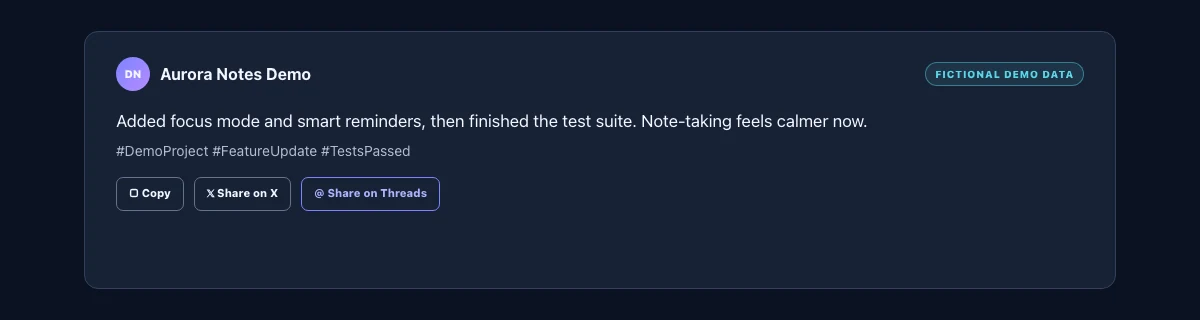
AI Commit Description, Session Summary, and Social Caption use Google Gemini only when you request the feature. Depending on the feature, the transmitted input is a commit message and up to 6,000 characters of changed code, work summaries and commit messages, or an already-generated session summary. The default Claude Code/Codex connection summary never contains the AI response body, source code, or raw commands. It may include the permission mode, attempted/completed/failed command counts, and a coarse risk category when Claude denies an action before execution. A detailed response is sent only if you explicitly enable it in the local setting.
Commitude does not use your source code to train its own AI models. See our Privacy Policy for full details.
How many AI credits do I get for things like AI commit descriptions and session summaries?
expand_more
This is a shared daily allowance for the AI commit description, session summary, and social caption features, and it resets every day at midnight. During the free trial (30 days) you get 3 uses per day, and paid subscribers get 10 uses per day.
How long is the free trial?
expand_more
You get full access to every feature free for 30 days from signup — no card required, so nothing is billed automatically when the trial ends. To keep using it, pick a plan and check out whenever you're ready, during the trial or after.
What's the difference between the monthly and annual plans?
expand_more
The features are identical — only the billing cycle differs. Choosing the annual plan saves you about 20% compared to monthly.
If I cancel my subscription, does access stop immediately?
expand_more
No. You keep access until the end of your already-paid billing period; only future automatic billing stops. Refunds are not provided.
Can I manage multiple projects at the same time?
expand_more
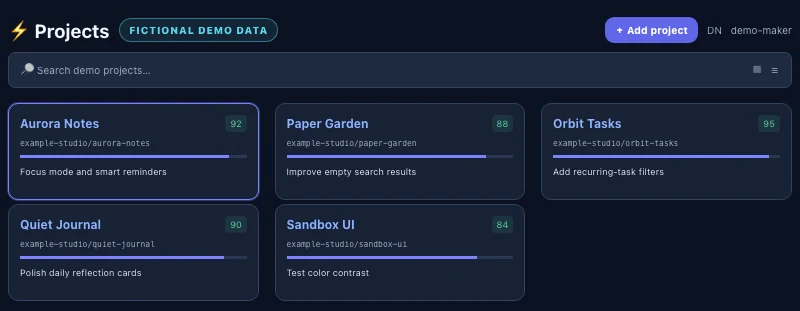
Yes — you can register multiple GitHub repositories as projects under one account and view each one's dashboard independently.
Do you support Codex in addition to Claude Code?
expand_more
Yes. We currently prioritize macOS support for Local and Worktree development in Claude Desktop's Code tab and Codex in the ChatGPT desktop app. After the one-time device setup, AI activity logging and the Git pre-push check work even when you use the desktop apps instead of the CLI. GitHub commit analysis remains available without the real-time connection. Native Windows support is being validated and expanded in stages; Remote and Cloud sessions do not currently support real-time activity logging or the local pre-push check.
What do I need to use Commitude?
expand_more
For GitHub commit analysis and the dashboard, you only need a GitHub account and a repository to register. Real-time Claude Code or Codex activity logging and the pre-push check require Git, Node.js 18 or later, and Claude Code or Codex. On macOS, git and node must be available in your terminal. On Windows, they must be available inside Git Bash or WSL. You do not need Ruby, Docker, a separate server, or administrator privileges.
How do I connect Claude Code or Codex for real-time work updates?
expand_more
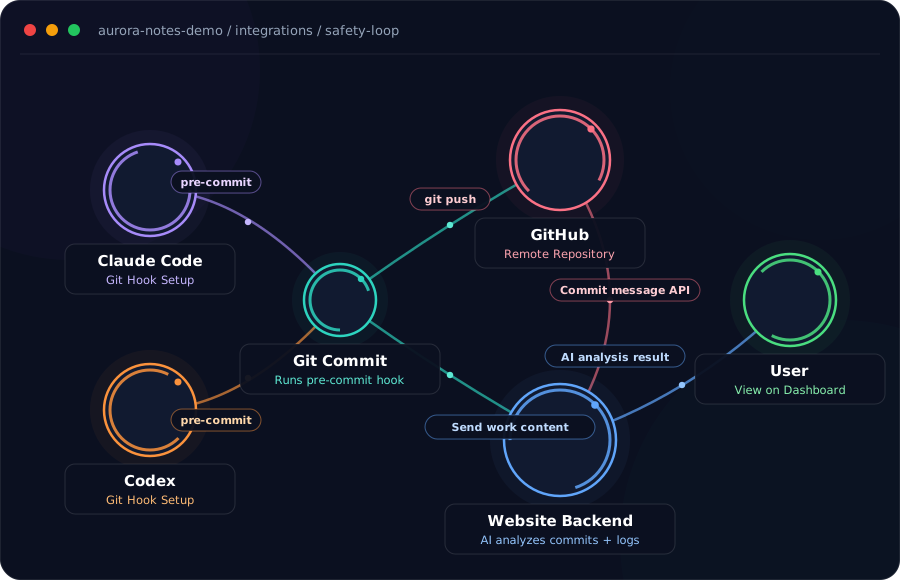
Once you register a project, the dashboard shows device-wide connection instructions. The simplest option is to paste the provided prompt into Claude Code or Codex so the AI runs the unified setup file for you. You can also download and run the setup file yourself. Setup is required only once per computer. After installation, fully quit Claude and ChatGPT Desktop, then start a new Local or Worktree session. If Codex asks you to trust the hook, approve it and run the connection test. Future projects on the same computer only need their GitHub repository added; you do not need to reinstall for each project.
What does the Schema feature do?
expand_more
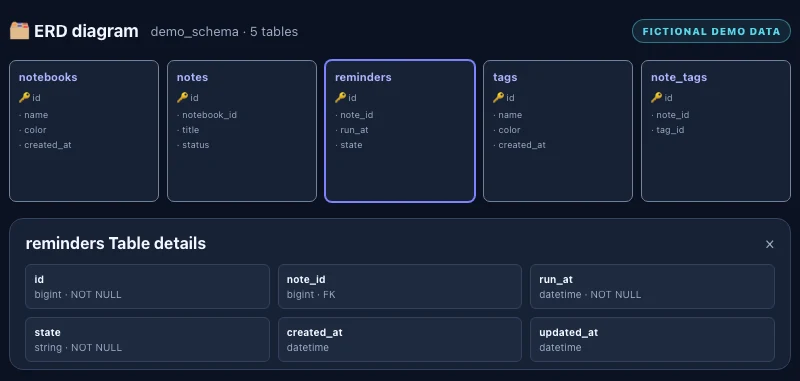
It automatically analyzes your project's database table structure and visualizes it as a diagram. If your GitHub repo has schema files like db/schema.rb, Prisma, Supabase, or Drizzle, click "Sync with GitHub" on the dashboard to view it.
Does it automatically show what was done and how much AI it cost for every commit?
expand_more
Yes. Once you connect Claude Code or Codex to real-time work updates on your machine, the timeline automatically shows the actual commit message content and the estimated AI cost for that work every time a task finishes. Without the connection, only GitHub commit history is shown — you won't see the pre-commit work or its cost.
How does the pre-push local work status show up?
expand_more
If Claude Code or Codex is connected for real-time work updates, a card at the top of the dashboard shows the branch name, number of unpushed local commits, files changed, and lines added/removed whenever you have local commits not yet pushed to GitHub. It updates whenever an AI task finishes, so it may go stale if you haven't used Claude Code or Codex in a while. Only statistics are sent — never commit messages or actual code diff content — and it stops being sent once you disconnect real-time work updates.
What does Architecture show?
expand_more
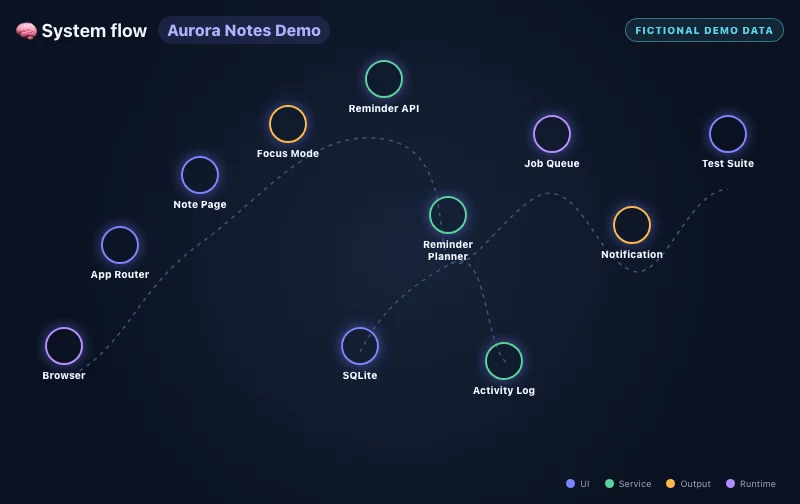
It visualizes how your detected tech stack (frontend, backend, database, infrastructure, etc.) is connected and works together, as a graph. You can filter by layer and follow animated data flow along the connections.
What does Hotspots show?
expand_more
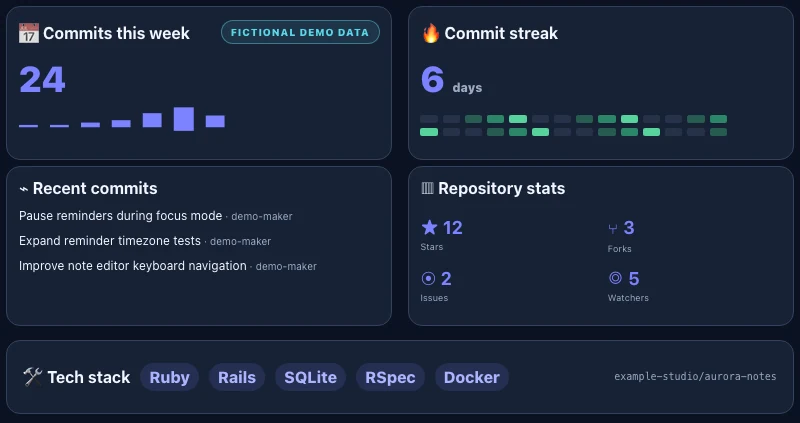
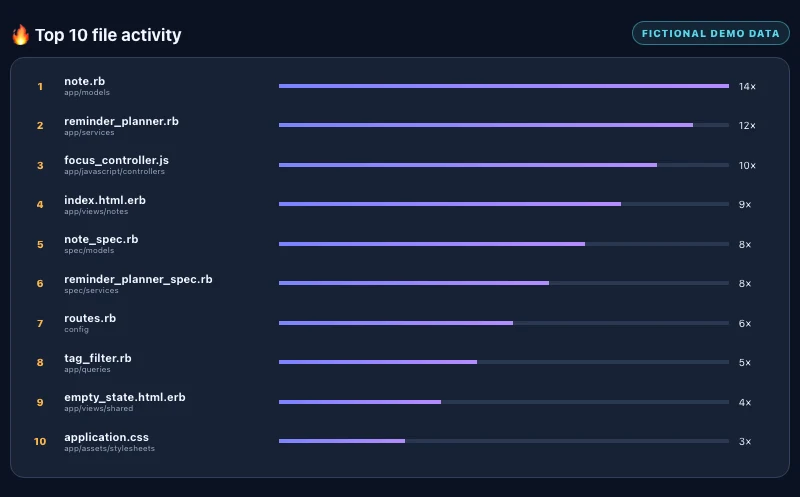
It analyzes your recent git commit history and ranks the top 10 most frequently changed files. It helps you spot which files are being modified repeatedly, making it easier to find places that may need refactoring.
How is GitHub issue progress calculated?
expand_more
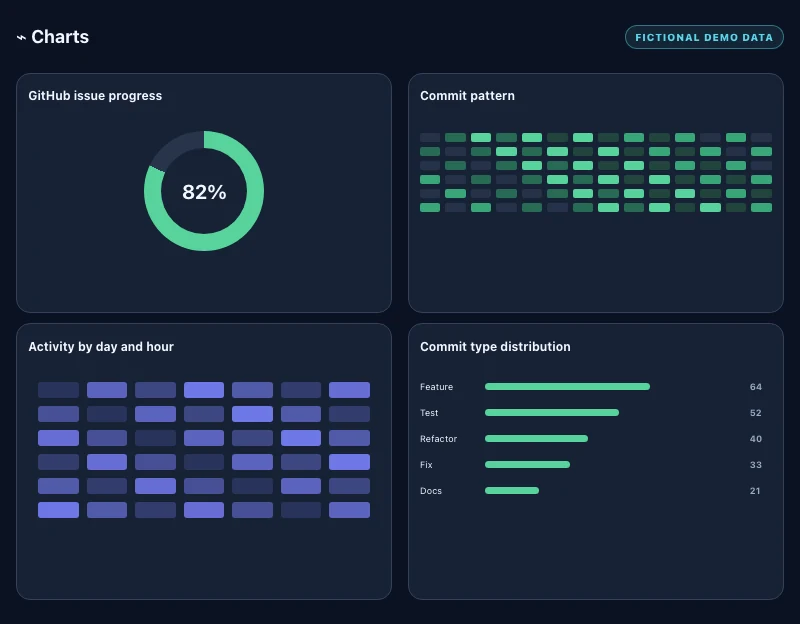
Based on when GitHub Issues were opened and closed, it charts how the ratio of closed to total issues has changed over time. It's an alternative to PLAN.md checklists for projects that track progress with GitHub Issues, and it only appears once a project has at least one issue.
Where can I manage my subscription?
expand_more
The sidebar shows your remaining trial time and end date. When billing is available, trial users can subscribe and paid users can manage their subscription. If you cancel, you can keep using it until the end of your already-paid period.
I'm on GitHub's free plan — can Commitude still analyze my private repos?
expand_more
Yes. GitHub's Free plan only provides Insights (commit graphs, Contributors, Traffic, etc.) for private repositories on GitHub Pro or higher. Commitude shows commit history, hotspots, schemas, and architecture graphs for private repos regardless of your GitHub plan.
How do I delete my account, and what happens when I do?
expand_more
Click your profile (avatar/username) at the bottom of the sidebar, then choose "Delete account" from the menu that appears. Doing so immediately and permanently deletes your GitHub connection (access token, email, profile), registered projects, and AI activity history — this cannot be undone. If you have an active subscription, it will be canceled immediately as well. You can sign up again with the same GitHub account, but you won't receive another free trial.
How can I get post-trial re-engagement emails?
expand_more
Check the optional checkbox below the GitHub login button when you sign up. If you didn't check it at signup, or change your mind later, you can turn it on or off anytime from the menu that opens when you click your profile (avatar/username) at the bottom of the sidebar.
How can I contact support?
expand_more
You can use the "Support" menu in the sidebar after logging in, or email us at support@commitude.dev. When emailing, you can attach files — up to 10MB per file, 25MB total per email, and up to 5 files. Video files often exceed these limits, so we recommend uploading them to Google Drive (or a similar service) and sharing the link instead.